

Trim Sizes, Bleed, and Spine Widths
The Technical Details That Decide Printing Success
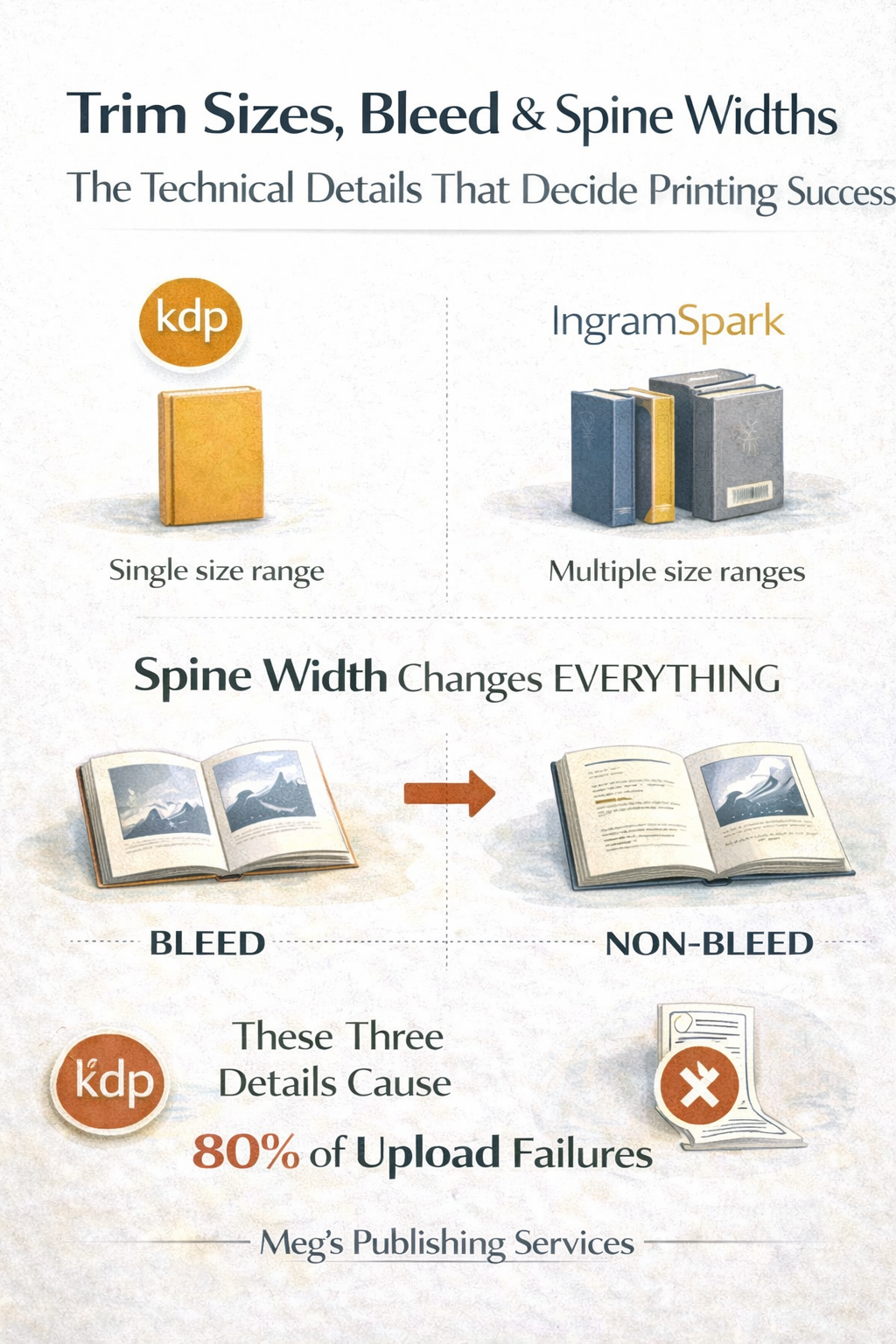
Most POD upload failures do not happen because the book is bad.
They happen because the book was built imprecisely.
Trim size.
Bleed.
Spine width.
These three details cause most technical rejections, delays, and silent distribution issues. They are also where authors feel overwhelmed and start guessing.
Guessing is what breaks POD systems.
Let’s simplify this without dumbing it down.
Trim size is not a design preference
Trim size is the physical size of your book after it is cut.
This is not a creative choice.
It is a platform and distribution decision.
Each POD platform supports specific trim sizes. Choose outside those limits and you get:
Upload rejections
Forced resizing
Distorted interiors
Higher print costs
Distribution limits
KDP supports a narrower, Amazon-optimized set.
Ingram supports a wider, trade-friendly set.
Once you pick a trim size, everything else must align to it. Interior layout. Cover dimensions. Spine width. Barcode placement.
Trim size is the foundation. Get it wrong and nothing sits correctly.
Spine width changes everything
Spine width is calculated, not estimated.
It depends on:
Page count
Paper type
Print specifications
A few pages added or removed can change the spine width enough to:
Shift cover text off-center
Break barcode placement
Cause wrap misalignment
Trigger file rejections
This is why “last-minute edits” often break covers.
Spine width is not flexible.
It is mathematical.
Every time page count changes, the cover must be recalculated. Ignoring this is one of the most common causes of POD failures.
Bleed vs non-bleed in plain English
Bleed means your design extends past the edge of the page so that when the book is trimmed, no white edges appear.
Non-bleed means everything stops before the trim line.
If your interior or cover design touches the edge of the page, you need bleed.
If it does not, you don’t.
The mistake authors make is mixing the two.
Using bleed layouts without adding bleed margins.
Or choosing non-bleed settings while designing full-page images.
That mismatch causes:
Cropped content
White slivers on edges
Automatic rejections by POD systems
Bleed is not optional decoration.
It is a technical requirement when edge-to-edge design is involved.
Why these three details cause most upload failures
Trim size, spine width, and bleed sit at the intersection of:
Interior formatting
Cover design
Platform requirements
Print physics
When they are misaligned:
Files upload but fail review
Covers look fine on screen but print badly
Platforms flag errors without clear explanations
Authors get stuck in endless resubmissions
None of this is dramatic.
It is just expensive and exhausting.
Why authors feel desperate at this stage
This is where publishing stops feeling creative and starts feeling technical.
Authors are told:
“Just follow the template”
“Your designer should know”
“The platform will tell you if something’s wrong”
Templates assume you chose the right trim.
Designers cannot override math.
Platforms catch errors late, not early.
That is why authors feel stuck.
Final thought
POD success is decided long before a book goes live.
Trim size determines structure.
Spine width determines accuracy.
Bleed determines print quality.
These are not small details.
They are system rules.
If your uploads keep failing or your covers never quite fit right, the problem is usually here.
If you want your trim size, spine width, and bleed handled correctly across POD platforms, reach out to Meg’s Publishing Services.
We build books that pass technical checks the first time and scale cleanly after.