

Embedded Fonts, Transparency, and the PDF Errors Nobody Prepares Authors For
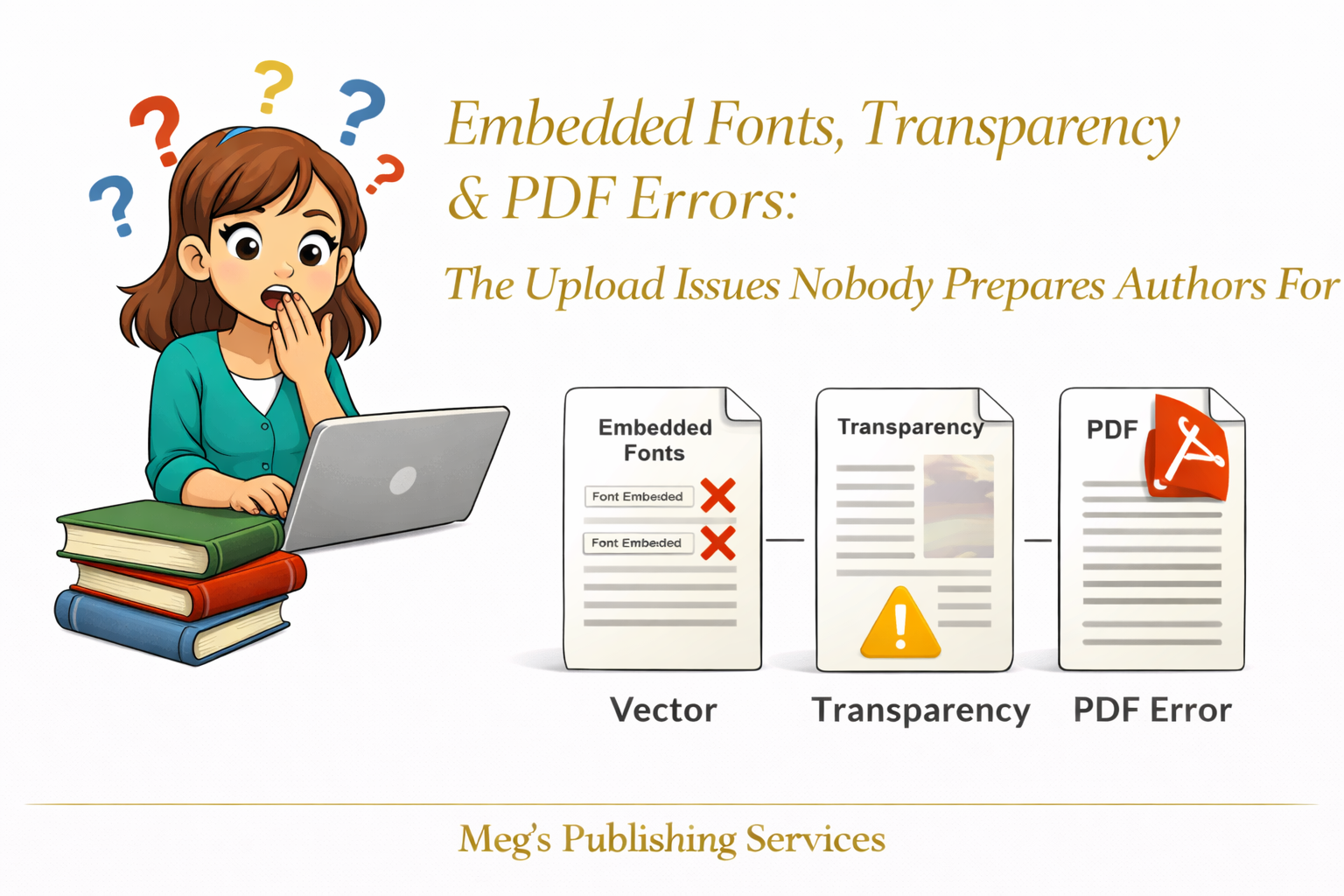
Sometimes a file uploads perfectly and still gets rejected. No dramatic warning. No obvious mistake. Just a quiet message telling you something is wrong with a PDF that looked fine minutes ago.
This is usually the moment authors feel blindsided. The book is written. The layout looks clean. The export completed without errors. So what exactly went wrong.
The answer almost always lives in places authors were never taught to look.
PDFs are often treated as final, locked, and reliable. Once a file becomes a PDF, it feels finished. But in publishing, a PDF is only as stable as what is embedded inside it.
Fonts and transparency are two of the most common fault lines.
Why Embedded Fonts Trigger KDP Rejections
Fonts behave differently in print systems than they do on personal computers.
When a font is not embedded correctly, the print system does not know how to render it. It may substitute another font, misinterpret spacing, or flag the file as unstable. KDP often rejects these files preemptively to prevent printing errors.
This happens most often when:
specialty fonts are used without full embedding permissions
text is partially embedded instead of fully embedded
files are exported with default settings that seem safe but are not
From the author’s side, everything looks normal. From the printer’s side, the file is unreliable.
How Transparency Layers Break Ingram Uploads
Transparency is another quiet troublemaker.
Drop shadows, overlays, soft edges, and layered effects look harmless in design software. But when those layers are flattened improperly, they can confuse print engines.
Ingram’s system is particularly sensitive to unresolved transparency. If layers interact in ways the printer cannot interpret cleanly, uploads fail or files are flagged for manual review.
The author sees a beautiful page. The system sees a risk.
Why Ingram’s PDF Check Is Stricter
Ingram works at a scale that serves bookstores, libraries, and wholesalers worldwide. Their quality controls are designed to reduce downstream problems across thousands of printing locations.
Because of that, their PDF inspection process catches issues that other platforms allow to slip through. Files that pass elsewhere can fail here without warning.
This does not mean Ingram is difficult. It means Ingram expects files to be built for long term, wide distribution rather than quick approval.
The Fixes That Sound Simple but Rarely Are
Most upload issues have straightforward solutions once you know where to look.
Common fixes include:
fully embedding fonts with proper permissions
converting problem text to outlines when appropriate
flattening transparency intentionally at export
exporting PDFs using print specific presets rather than defaults
verifying files with professional preflight tools
These are not creative decisions. They are technical safeguards.
A Familiar Pattern We See Repeated
An author once spent days re uploading the same interior file, changing nothing but the file name each time. The rejection message stayed the same.
The issue was a single font used for page numbers that was only partially embedded. Once corrected, the file passed instantly.
No redesign. No rewrite. Just technical clarity.
Something Worth Remembering
Upload errors are rarely personal and rarely random. They are signals pointing to small structural issues hidden beneath the surface.
When those issues are understood, publishing stops feeling unpredictable.
This is the difference between guessing your way through uploads and moving through them with confidence.